
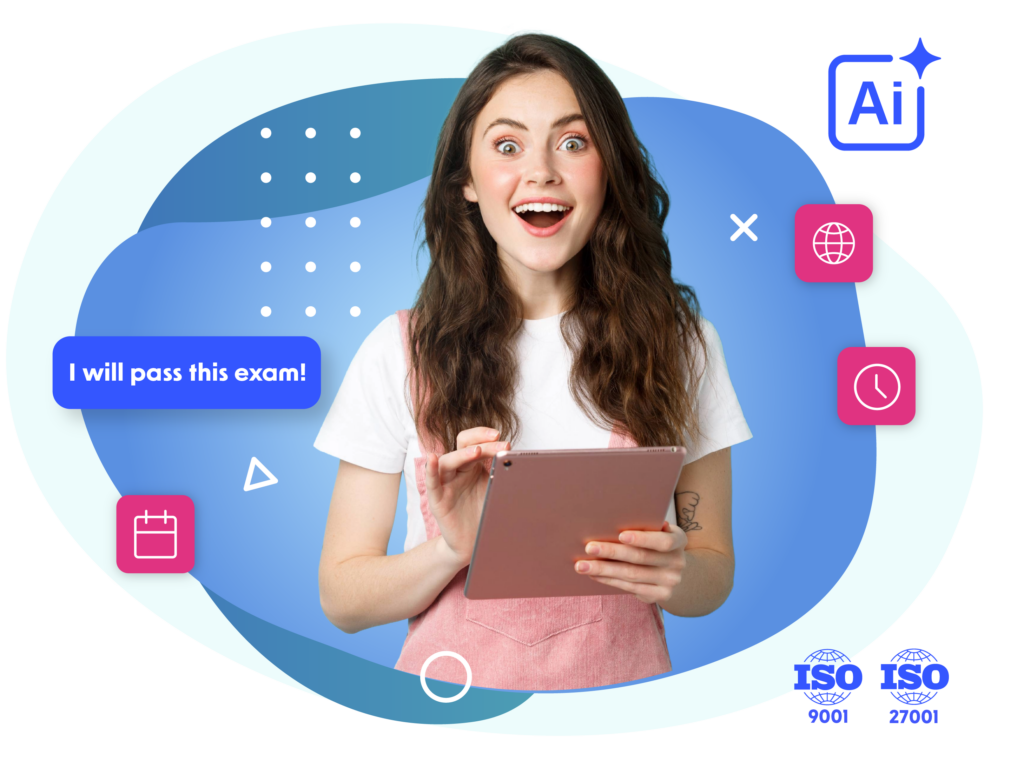
An intelligent system for secure, proctored online exams for students and international candidates.
eduProctor by the numbers

Let the numbers speak for themselves

0
M

examination tasks completed

0
K

registered students

0
+

universities

Why you should choose

eduProctor?

Secure login
AI-powered identity verification
GDPR compliance and accreditation standards
Exams for candidates worldwide
Automation and administrative time savings
Scalability and easy implementation
eduProctor offers

customized user accounts

Admin Panel
  • Create and manage exams.
  • Manage students and candidates.
  • Digitize tasks.
  • Generate reports and analyze student and candidate progress.
  • Fully archive exams and documentation.
Professor Panel
  • Create and supervise exams.
  • Review student performance and progress.
  • Automatically grade written and oral skills.
  • Certify and generate individual reports.
  • Monitor performance in real time and automate scoring.
  • Support in identifying skill gaps.
Student Panel
  • Access exams remotely from anywhere.
  • Intuitive interface tailored to student needs.
  • Monitor progress and results in real time.
  • Receive certificates and individual reports after exams.
What You Gain with eduProctor?

Automated online entrance and language exams

eduProctor enables automated semester, entrance, and language exams online for students and candidates from outside the EU, OECD, EFTA, and Ukraine. The system is available in 24 languages and supports subject-specific and language exams from A0 to C1.
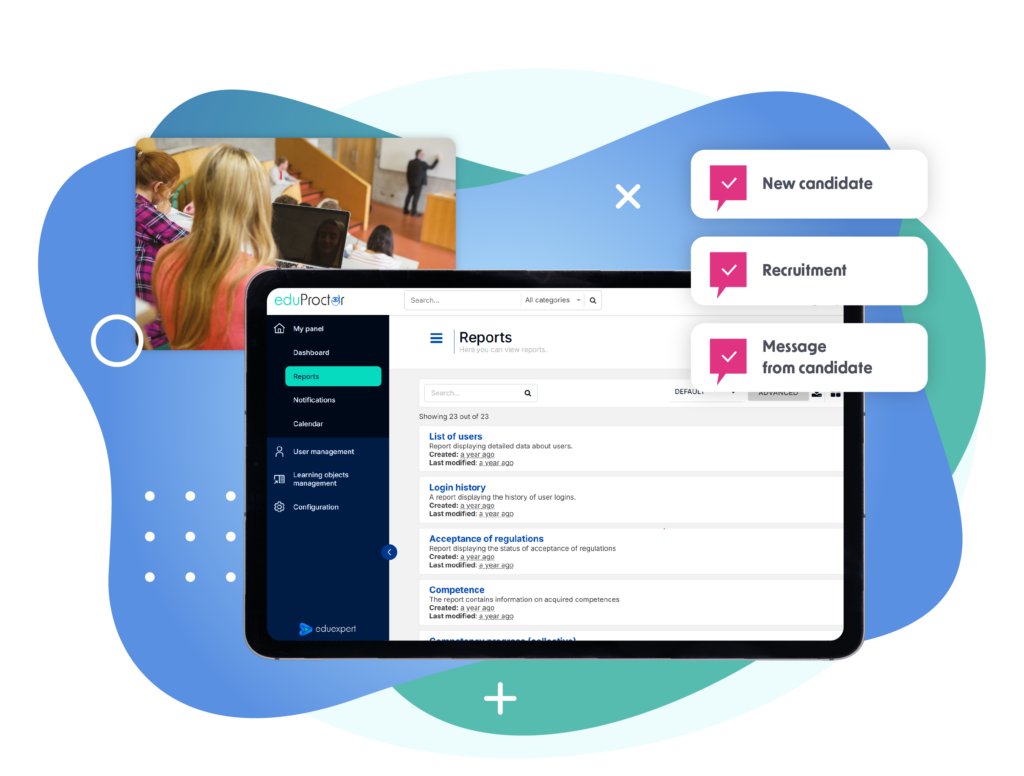
The graphic presents the eduProctor platform dashboard displayed on a large screen. The interface shows user statistics, learning objects, login activity, training results, and reporting data, supported by charts and summary indicators. On the right, three user roles are highlighted: Admin panel, Instructor panel, and Student Panel. A circular chart above the screen represents analytical and monitoring functions. The overall design is modern and professional, using blue, turquoise, white, and pink tones.

Exam security and AI proctoring

The system verifies participant identity based on personal data and facial recognition. It continuously monitors the exam, detecting suspicious behaviors such as leaving the frame or the presence of other people.
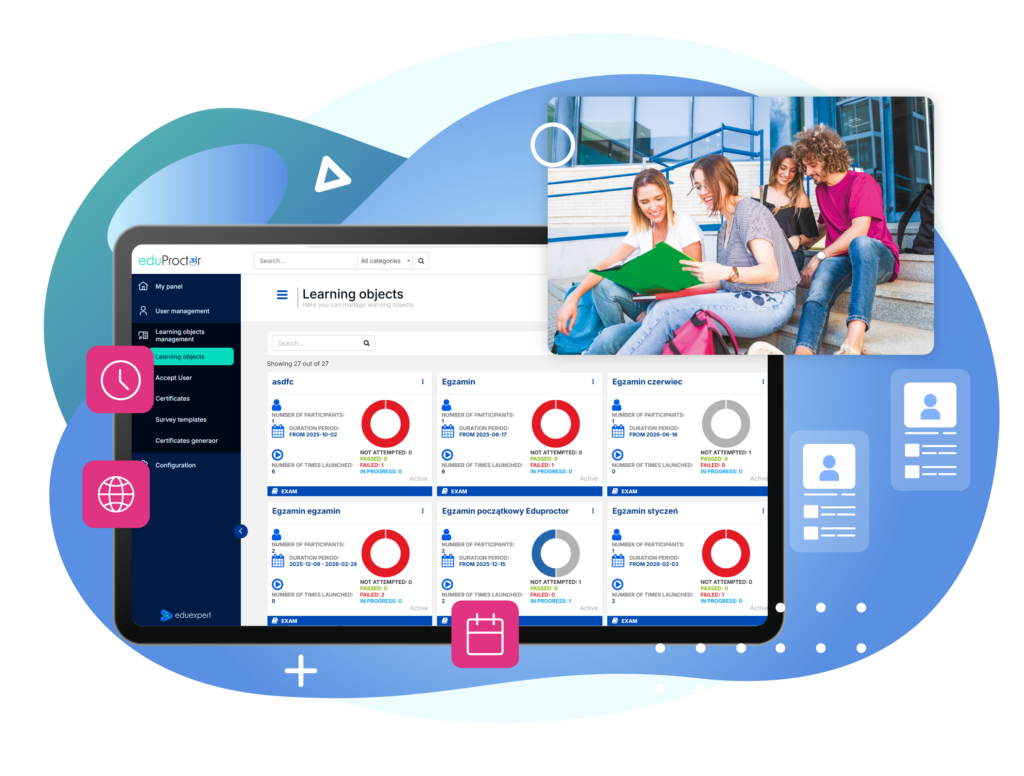
The graphic presents the eduProctor platform with the Learning objects section displayed on a large screen. The interface shows a catalogue of online exams and assessments with information about participants, duration, number of attempts, and completion status, supported by circular progress charts. In the upper right, a group of students is shown studying together. Additional icons represent time, online access, scheduling, and user profiles. The overall design is modern and educational, using blue, turquoise, white, and pink tones.

Automation and administrative time savings

Automatically grade exams, generate reports, and issue certificates confirming students’ skill levels.
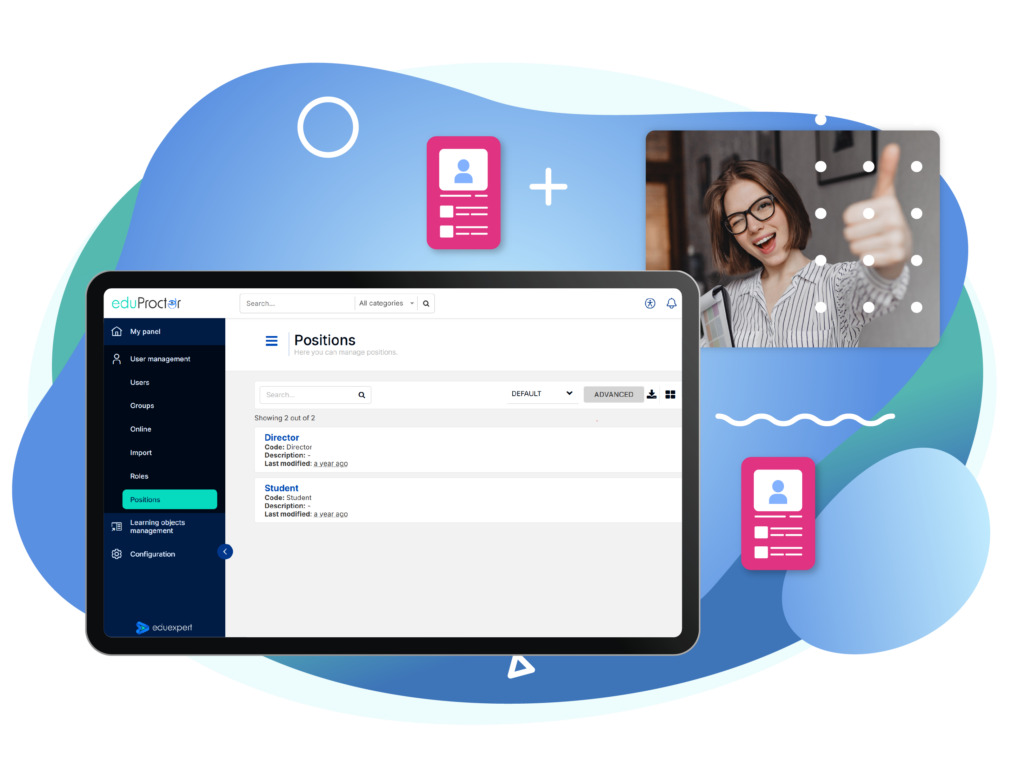
The graphic presents the eduProctor platform with the Positions management section displayed on a large screen. The interface shows available roles, including Director and Student, together with search, filtering, and user management options. In the upper right, a smiling woman gives a thumbs-up gesture, while additional profile icons symbolise user accounts and role management. The overall design is modern and professional, using blue, turquoise, white, and pink tones.

Methodology validated by the Massachusetts Institute of Technology (MIT)

eduProctor’s proctoring methodology and applied solutions are based on approaches validated in academic environments, including standards and research conducted by MIT. This ensures compliance with international best practices for reliable and secure online examinations.
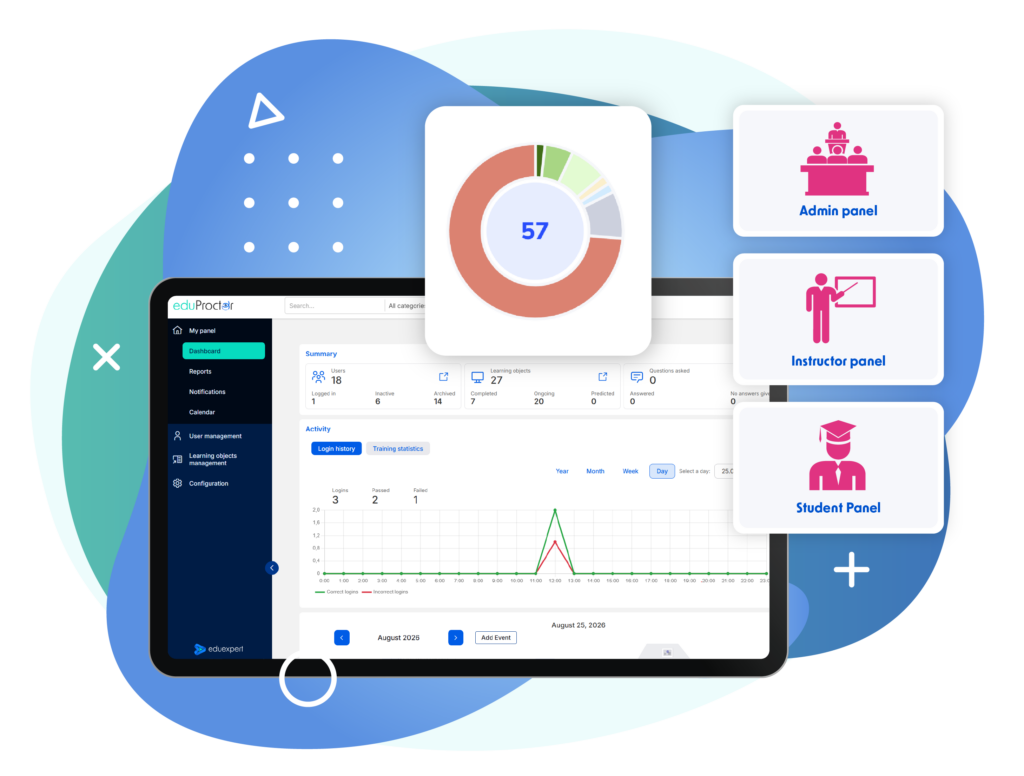
The graphic presents the eduProctor platform dashboard displayed on a large screen. The interface shows user statistics, learning objects, login activity, training results, and reporting data, supported by charts and summary indicators. On the right, three user roles are highlighted: Admin panel, Instructor panel, and Student Panel. A circular chart above the screen represents analytical and monitoring functions. The overall design is modern and professional, using blue, turquoise, white, and pink tones.

Scalability and easy implementation

eduProctor works effectively for individual departments as well as large, distributed university structures.
The graphic presents the eduProctor platform dashboard displayed on a large screen. The interface shows user statistics, learning objects, login activity, training results, and reporting data, supported by charts and summary indicators. On the right, three user roles are highlighted: Admin panel, Instructor panel, and Student Panel. A circular chart above the screen represents analytical and monitoring functions. The overall design is modern and professional, using blue, turquoise, white, and pink tones.

Schedule a presentation or request trial access today!

Make a decision that will lead to real success.

Umów się na prezentację EN

Grow with us

Blog

Sharing our knowledge with you