
An LMS for delivering classes, managing courses and monitoring student progress.
LearnWay in Numbers

A proven e-learning system delivering measurable results

0
k

of users

0
k

of interactive exercises

0

universities and companies

0
%

positive reviews

Why Choose

LearnWay?

Centralised management of classes and students
GDPR and ISO 27001 compliant
System launch in just 3 business days
Progress tracking and reporting
IT support to ensure continuous system availability
SaaS-based solution
Tailored to Individual Needs

User Accounts

Administrator Panel
  • user management,
  • degree programme management,
  • group management,
  • role assignment,
  • data import,
  • documentation management,
  • communication with lecturers and students,
  • flexible configuration of study programmes and learning materials,
  • generation of reports, surveys and tests,
  • online proctoring,
  • monitoring student progress.
Lecturer Panel
  • user management,
  • documentation management,
  • communication with students,
  • creation and editing of learning materials,
  • course delivery and management,
  • generation of reports, surveys and tests,
  • automatic grading,
  • online proctoring,
  • monitoring student progress.
Student Panel
  • access to courses, learning materials, tests and exercises.
  • learning anytime, anywhere,
  • progress and grade reports,
  • communication with lecturers and groups.
What Do You Gain with LearnWay?

Ready-To-Use Content and Teaching Flexibility

LearnWay provides access to a library of ready-to-use training courses and exercises and is available in 24 languages. Build courses using presentations, videos, audio files, documents, SCORM packages, and interactive exercises. Organise materials into modules and make them available to selected groups of students.
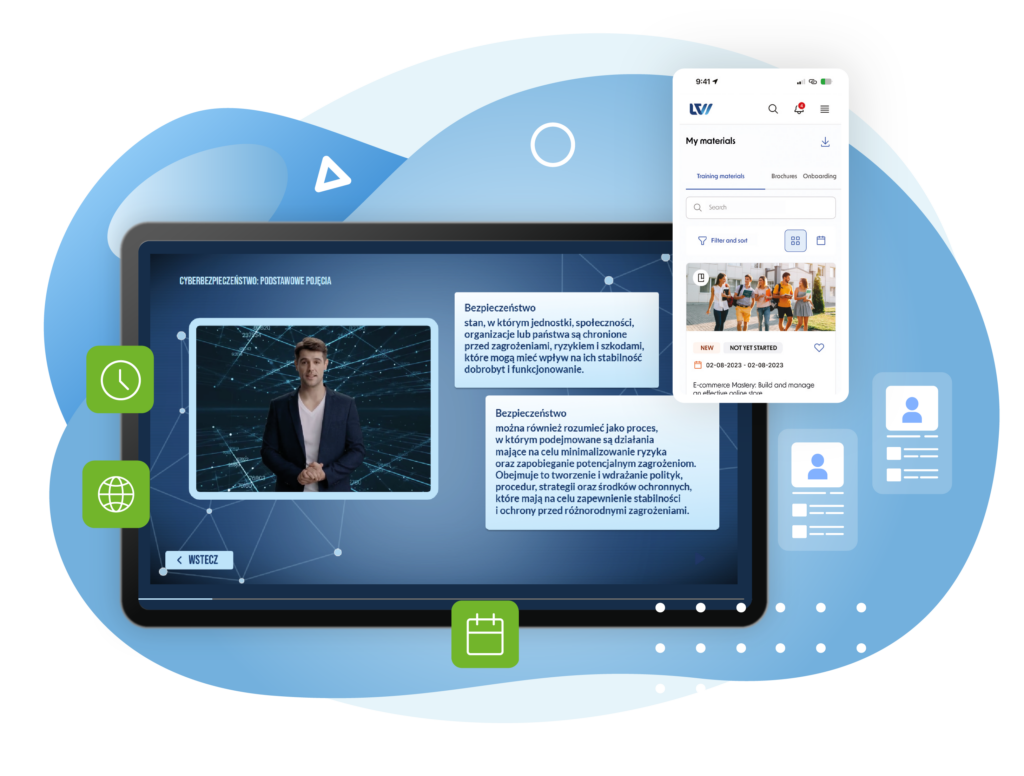
The graphic presents the LearnWay e-learning platform on a large screen and a mobile device, illustrating access to training content across different devices. The main screen displays an online lesson on cybersecurity, including a video presenter and explanatory text, while the smartphone shows the "My materials" section with available training resources. Green icons represent time, online access, and scheduling, while additional user-profile symbols suggest learner management. The overall design is modern and technology-focused, using blue, white, and green tones.

Less Administrative Work, More Time for Teaching

LearnWay uses AI-powered tools to automate selected teaching processes and analyse learner activity. This enables lecturers to assess learning outcomes more quickly, while administrators gain access to clear reports that support informed decision-making.
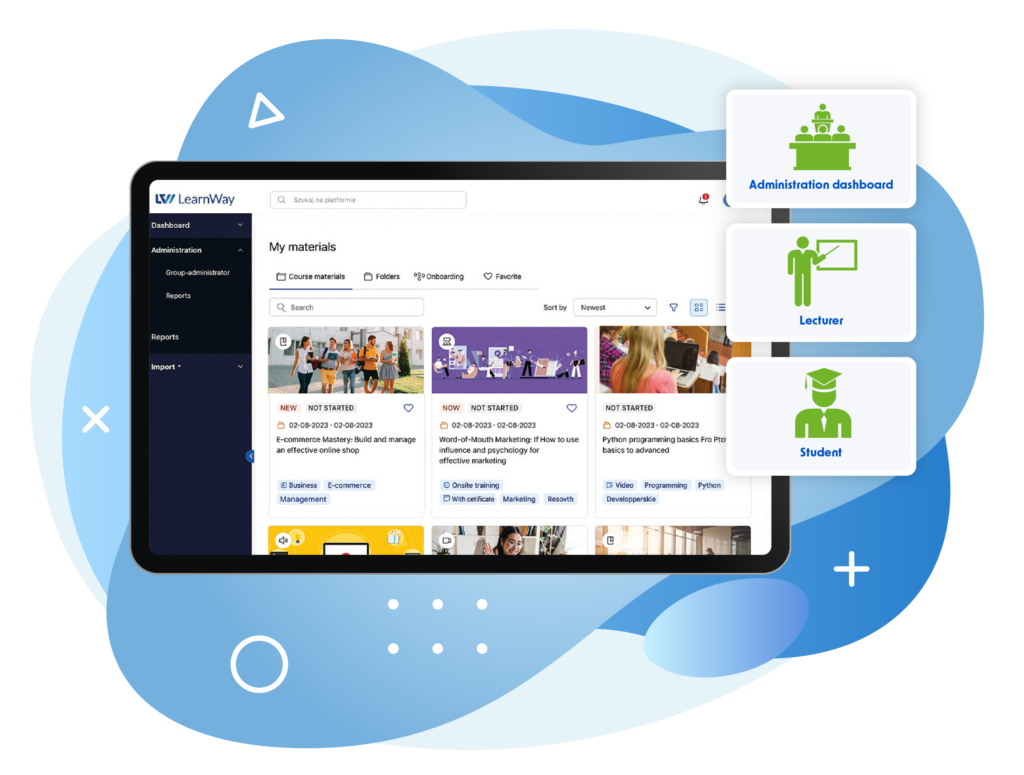
The graphic presents the LearnWay platform displayed on a large screen against a background of abstract blue shapes. The interface shows the “My materials” section with available courses, folders, onboarding content, search, and filtering options. On the right, three user roles are highlighted with green icons: Administration dashboard, Lecturer, and Student. The overall design is modern and educational, using blue, white, and green tones.

Tests and Exams

Create single-choice and multiple-choice tests, open-ended tasks, and quizzes. Results are recorded automatically, allowing lecturers to analyse student performance without manual data processing.
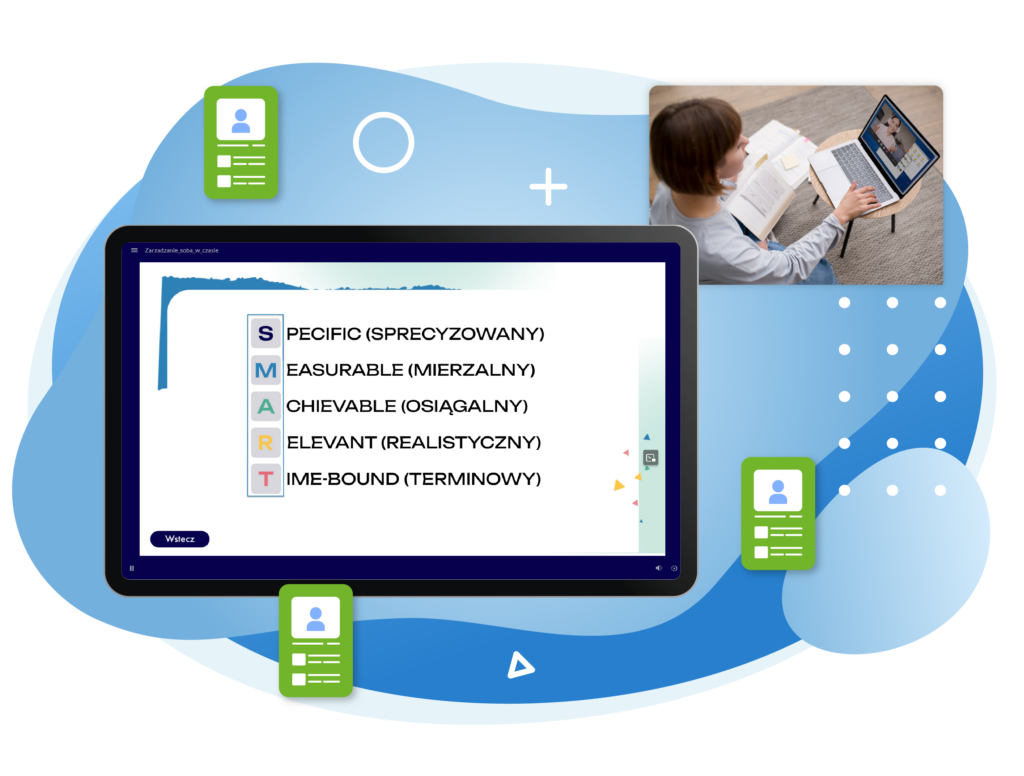
The graphic presents an online learning environment with a large screen displaying an interactive training module about SMART goals, including the criteria Specific, Measurable, Achievable, Relevant, and Time-Bound. In the upper right, a woman is shown taking part in an online video lesson on a laptop. Green user-profile icons surrounding the screen represent learners and personalised learning paths. The composition uses a modern blue, white, and green colour palette with abstract geometric elements in the background.

Progress Reports

Monitor student activity, learning time, test results, and course completion rates. Reports help quickly identify students who may require additional support.
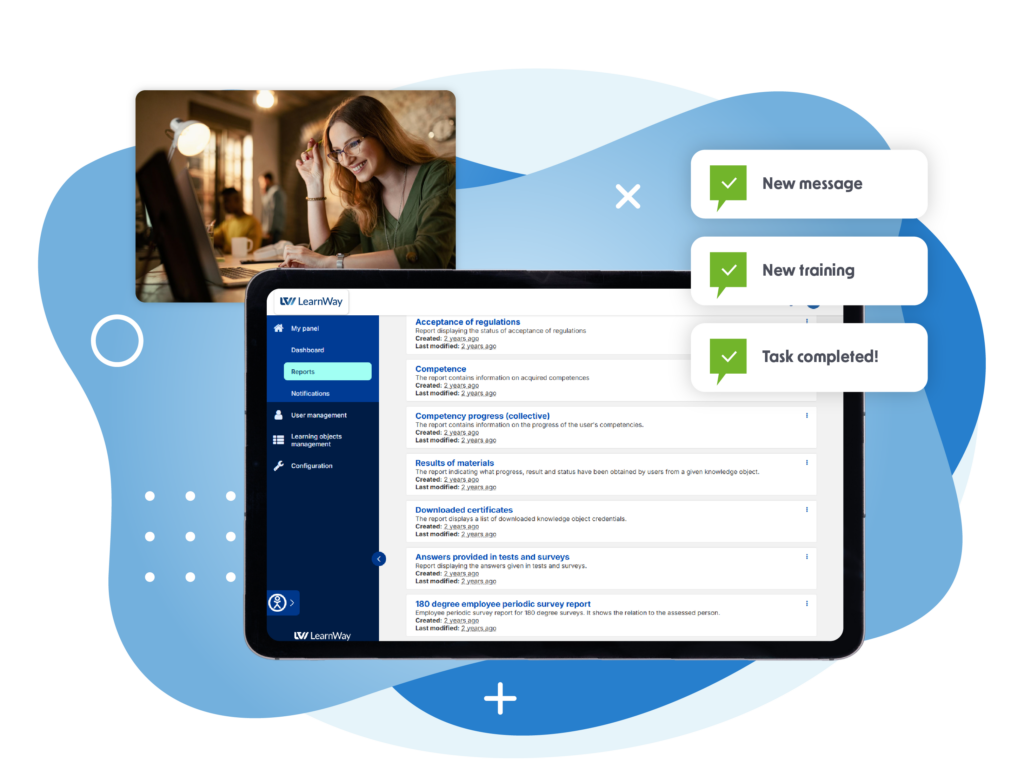
The graphic presents the LearnWay platform interface displayed on a large screen against a background of abstract blue shapes. The system dashboard shows a list of reports and learning-related data, including competence progress, material results, downloaded certificates, and survey responses. In the upper left, a woman is shown working on a laptop. On the right, three notification panels highlight “New message,” “New training,” and “Task completed!” The overall design uses a modern blue, white, and green colour palette.

Accessibility, Security and Compliance

LearnWay meets WCAG 2.1 accessibility standards, supporting students with special educational needs. The system is GDPR compliant and uses secure login and permission management mechanisms. ISO 9001 and ISO 27001 certifications confirm the quality of processes and information security.
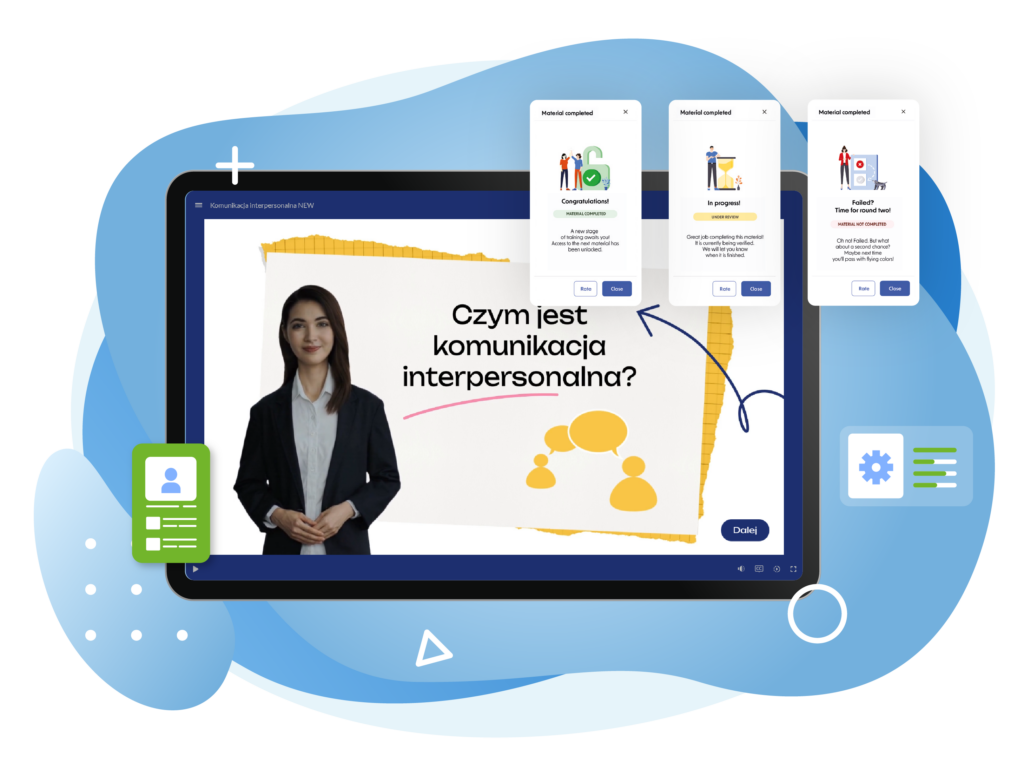
The graphic presents an online training module in the LearnWay platform displayed on a large screen. The lesson focuses on interpersonal communication and features a video presenter alongside educational graphics and text. Above the screen, three status notifications show different learning outcomes: material completed, material under review, and material not completed. Additional icons represent user profiles, settings, and progress management. The composition uses a modern blue, white, green, and yellow colour palette.

Scalability and Integrations

The system integrates with popular tools used by universities, such as Microsoft Teams, ClickMeeting, and other academic systems. The platform works equally well for individual degree programmes and large, distributed university structures.

Plan lectures, classes, and consultations directly from the platform. Integration with Microsoft Teams and ClickMeeting enables you to deliver online classes without switching between applications.
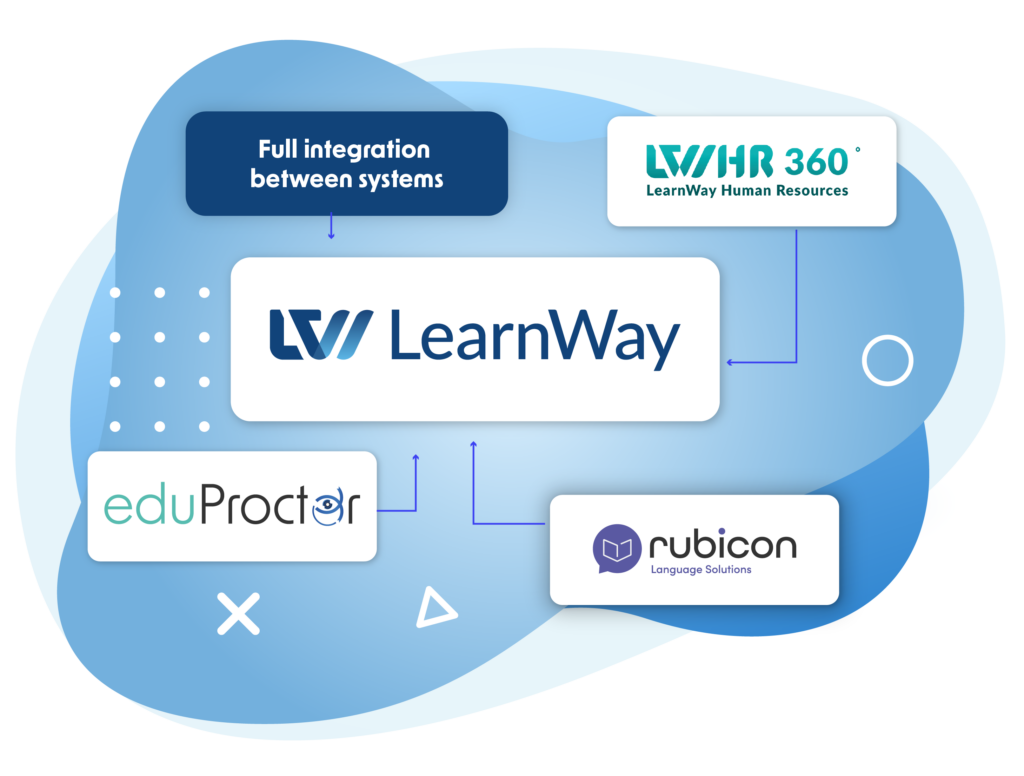
The graphic presents the LearnWay platform as the central element of an integrated digital ecosystem. It is connected to three complementary systems: HR360° – LearnWay Human Resources, eduProctor, and Rubicon Language Solutions. Blue arrows illustrate the connections between the platforms, while a highlighted label reads “Full integration between systems.” The design uses a modern blue and white colour palette with abstract geometric shapes in the background.

Implementation

The implementation process includes needs analysis, environment configuration, integration with existing systems, data migration, and training for administrators and lecturers. Once the platform is launched, we provide ongoing technical support and continue to develop the system in line with the university’s evolving needs.

The graphic presents an online learning environment with a large screen displaying an interactive training module about SMART goals, including the criteria Specific, Measurable, Achievable, Relevant, and Time-Bound. In the upper right, a woman is shown taking part in an online video lesson on a laptop. Green user-profile icons surrounding the screen represent learners and personalised learning paths. The composition uses a modern blue, white, and green colour palette with abstract geometric elements in the background.

Schedule a presentation or request trial access today!

Make a decision that will lead to real success.

Umów się na prezentację EN

Grow with us

Blog

Sharing our knowledge with you